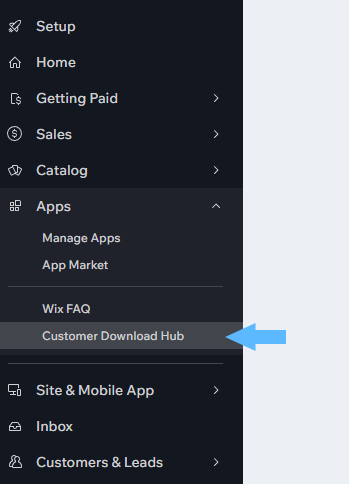
1. Open the Customer Download Hub Dashboard
With these 3 simple steps you can get your customer downloads area up and running quickly.
1. Open the Customer Download Hub Dashboard
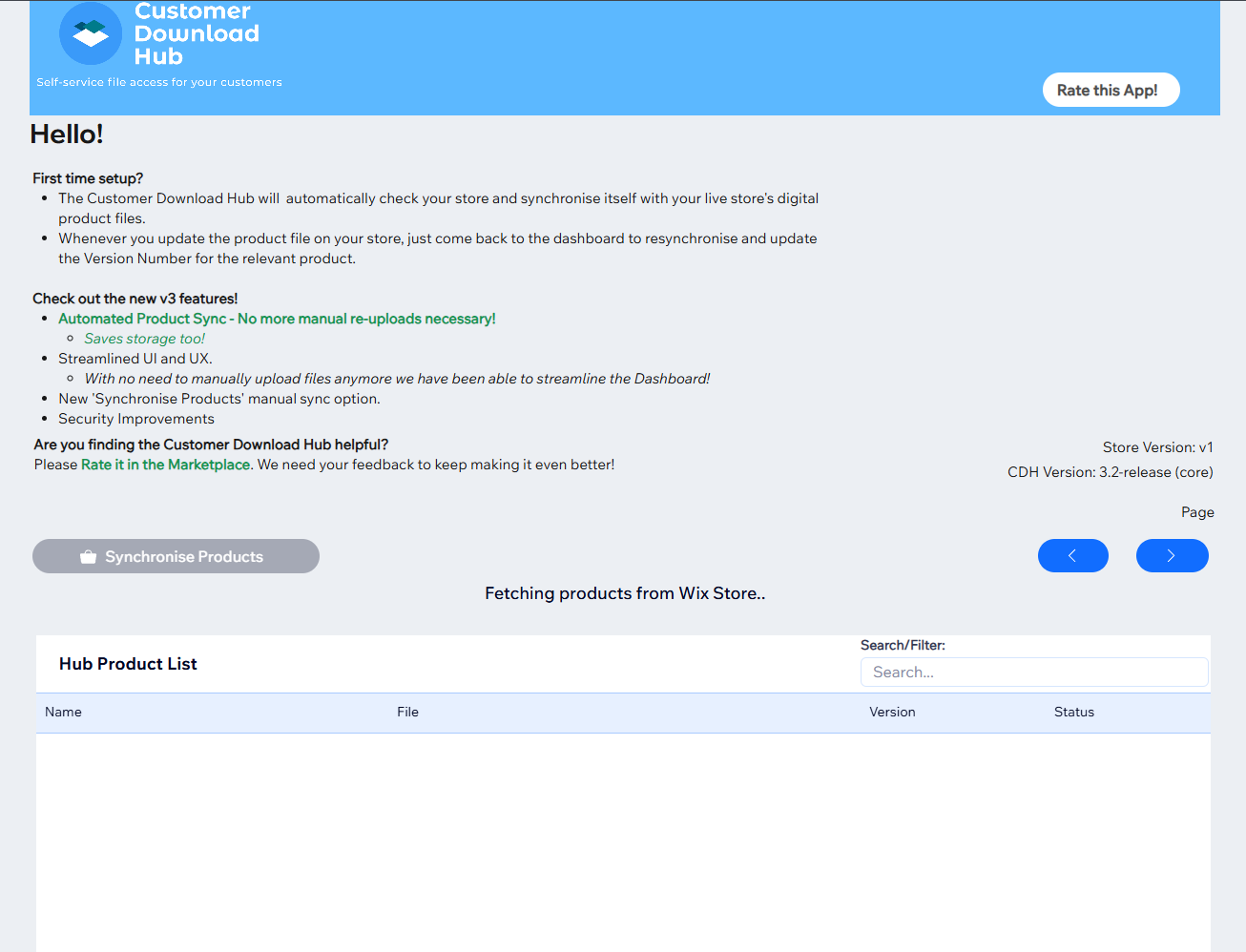
2. Let the Dashboard synchronize with your Product Store's files
3. Update the Product Number (Optional).
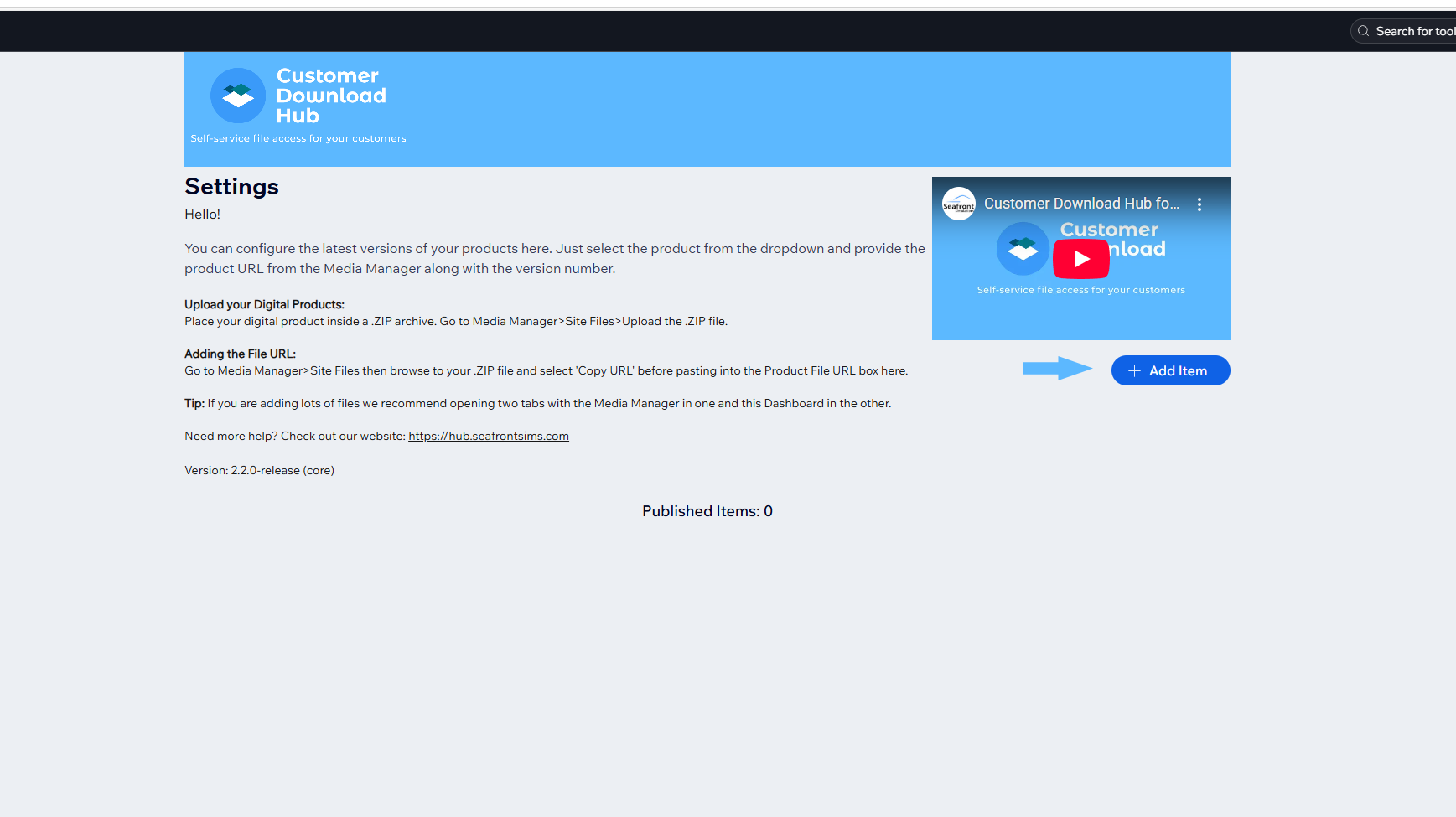
REMEMBER: Re-sync each time you update a product in your store.